Live native library
Search and saved format filters, subfolders, previews and filesystem watching in a focused three-pane interface.
 Diagram Studio
Create, edit, remix, version and recover architecture diagrams in one beautiful Mac library. Open files. Live previews. No account or tracking.
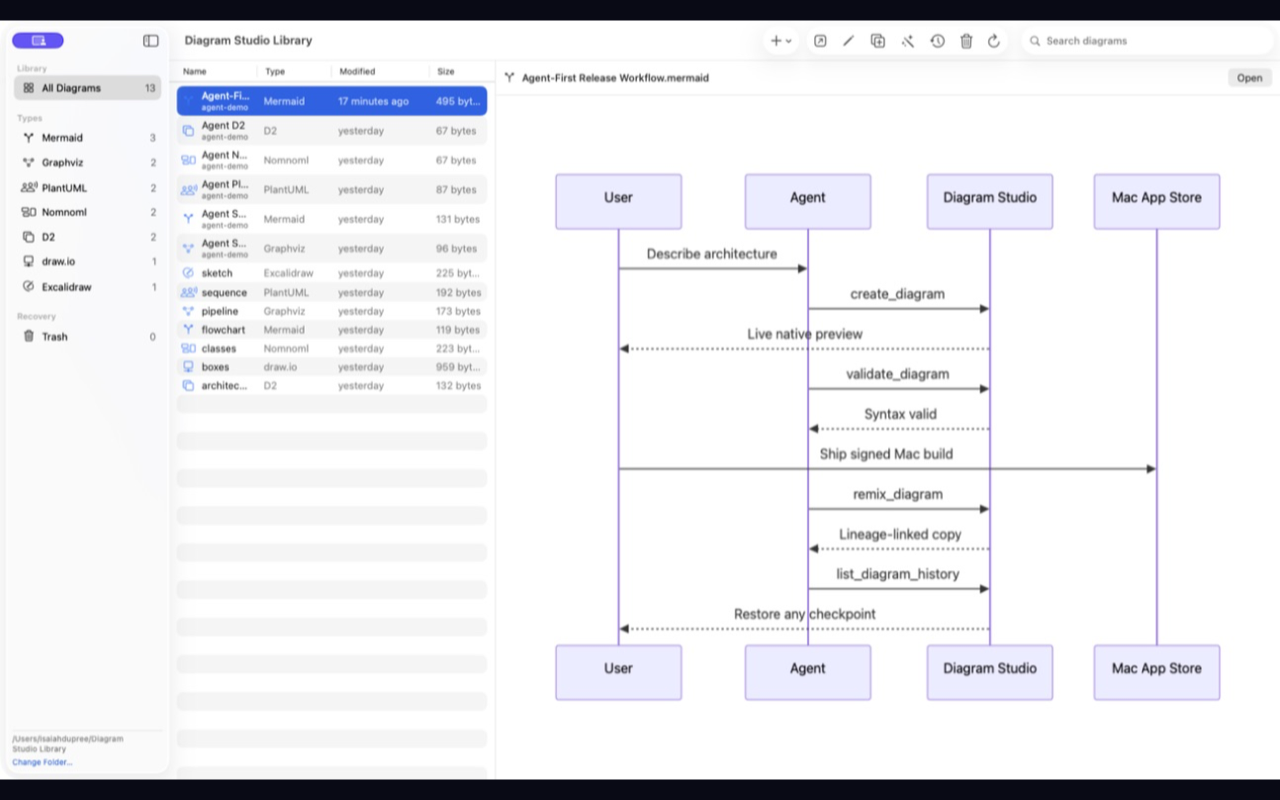
Diagram Studio handles the work around the canvas: finding, comparing, copying, remixing, recovering and safely collaborating with local agents.
Search and saved format filters, subfolders, previews and filesystem watching in a focused three-pane interface.
Immutable source checkpoints, one-click restore and recoverable Trash before explicit destruction.
Optional CLI, authenticated REST and MCP surfaces share the same files, lineage, history and Trash.
Your diagrams remain ordinary files in a folder you choose. No proprietary cloud library or account lock-in.
Source, preview or split layouts with fit, zoom, visible syntax errors and SVG/PNG export.
SwiftUI, native document windows, keyboard shortcuts, accessibility metadata and a sandboxed App Store build.
Mermaid · Graphviz · PlantUML · Nomnoml · D2 · draw.io · Excalidraw · Visio · SVG · PNG
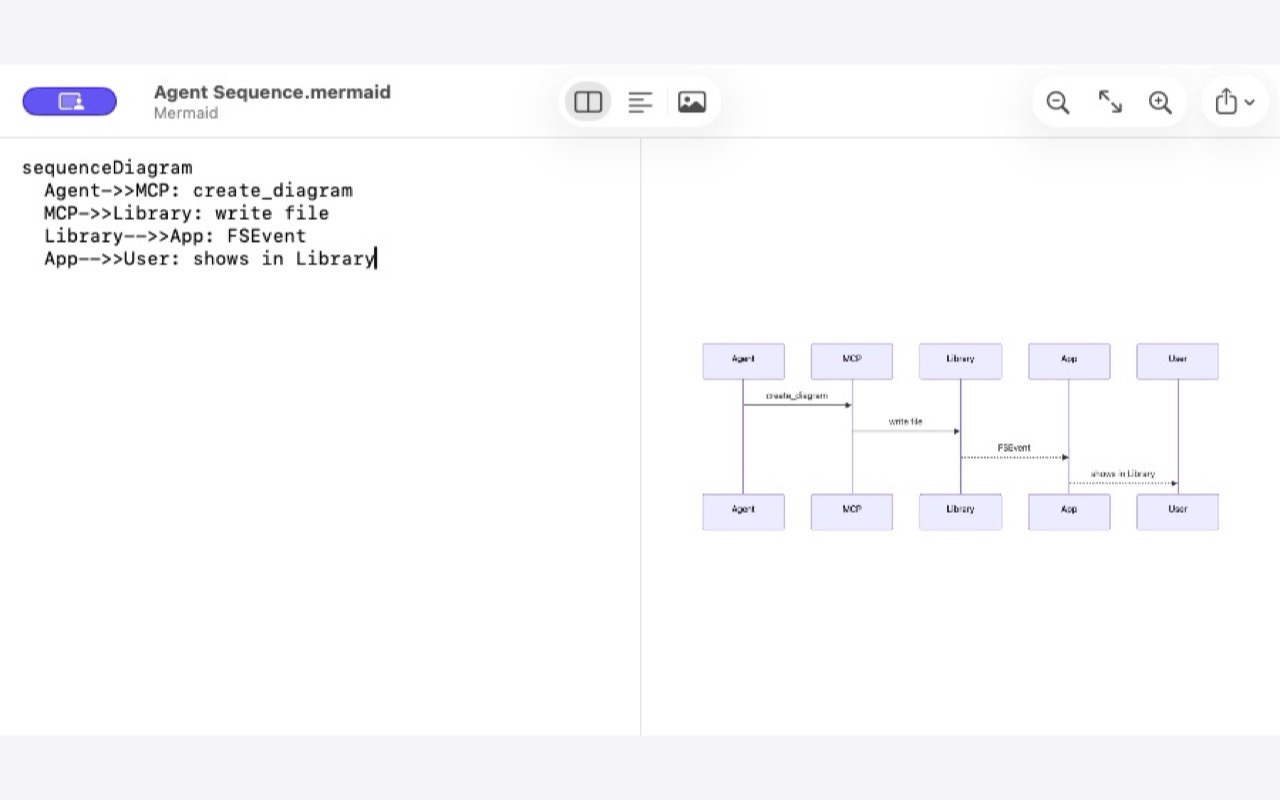
Diagram Studio for macOS is being prepared for the Mac App Store.